AI-powered OCR scanning
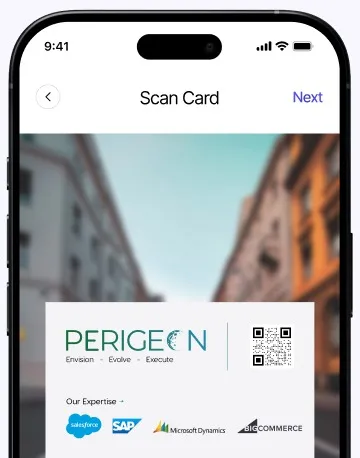
Machine-learning OCR reads names, titles, companies, emails and phone numbers from a wide range of card layouts — in seconds.
Scan Organize Sync
Scan business cards with AI, organize contacts automatically, and sync them directly to Salesforce.
Salesforce PeriScan is also on AppExchange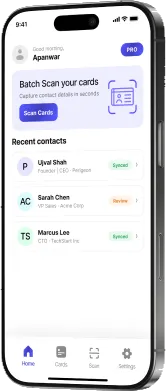
Built by Perigeon
iOS & Android · Sign in with Google, Microsoft or Salesforce





How it works
No typing, no lost cards.
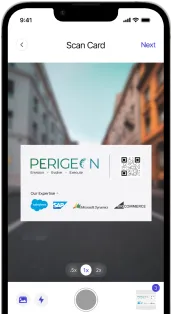
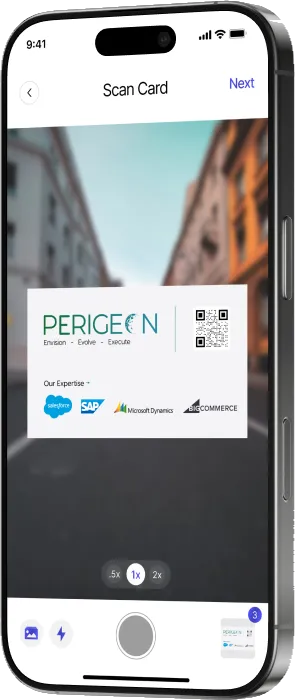
Capture business cards instantly with AI-powered accuracy.
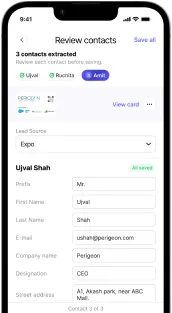
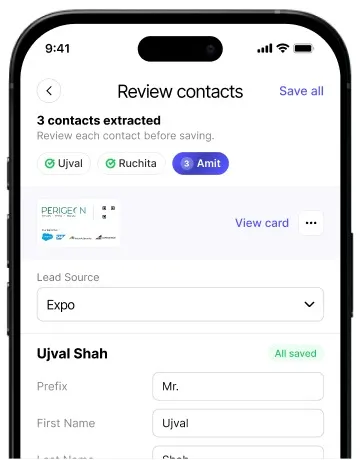
Review and enrich contact details before saving.
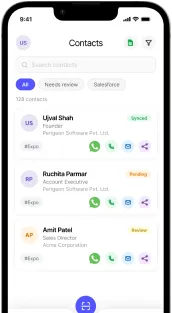
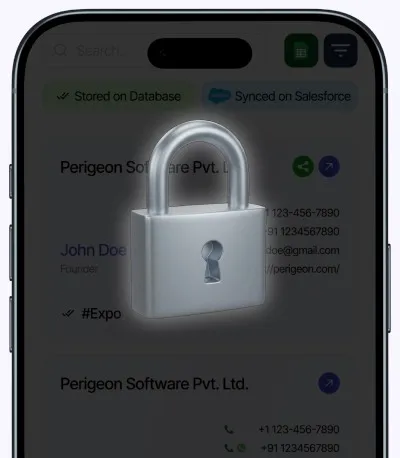
View, organize, and reach your contacts instantly from one place.
Features
Machine-learning OCR reads names, titles, companies, emails and phone numbers from a wide range of card layouts — in seconds.
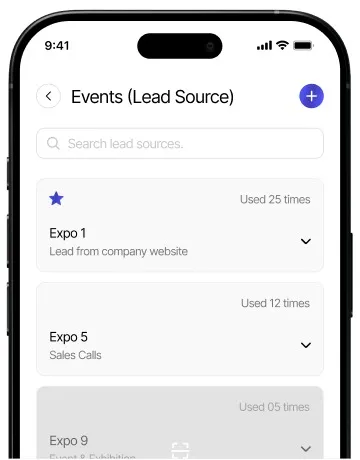
Tag every contact with the event, exhibition or meeting where you met — and prioritize follow-ups.
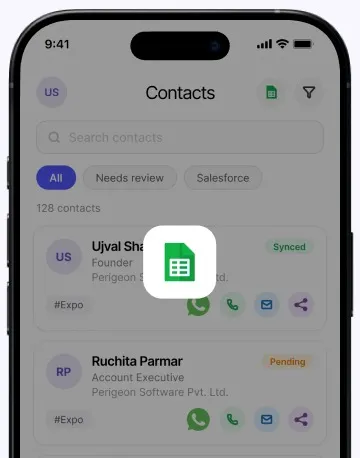
Download your contacts as an Excel file in a tap — ready to share or import anywhere.
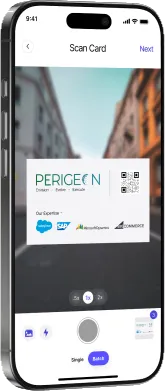
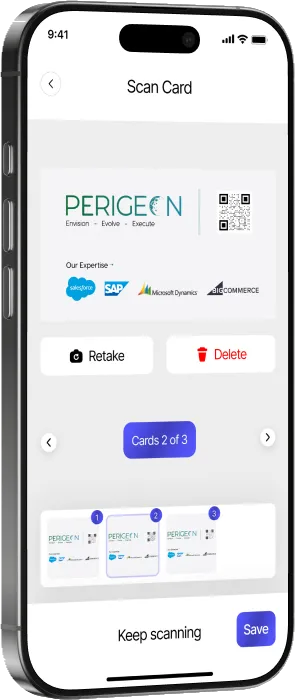
Scan single cards or switch to batch mode. Review, retake or save every card before it’s stored — perfect for events.
Every field is extracted and laid out for a quick review, so contacts are CRM-ready in seconds.
A secure sales productivity platform that helps teams manage leads and close deals faster.
Who it’s for
Skip manual contact entry after meetings and events. PeriScan sends every lead to Salesforce before you leave.
Grow and organize your network. Track every connection’s source and prioritize outreach.
Scan hundreds of business cards in minutes. Tag leads by booth, session, or interest for smarter follow-up.
Every connection is an opportunity. PeriScan keeps your CRM clean and never loses contacts.
For Salesforce teams
Push scanned cards straight into Leads, Accounts or Contacts — with admin controls for licenses, field mapping and duplicate rules.
Explore PeriScan on Salesforce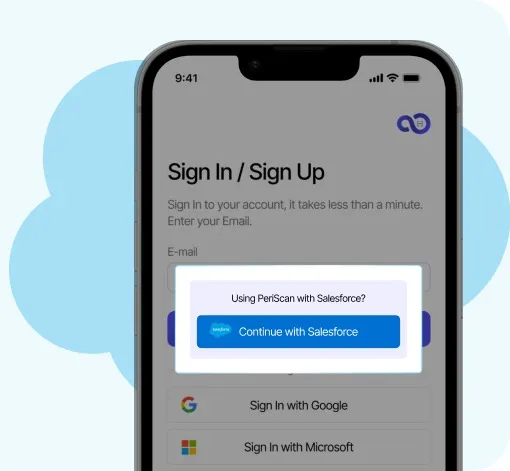
Reviews
“One of the best features is its integration with Salesforce, which allows users to directly push scanned contacts as Leads in Salesforce. This is extremely helpful during campaigns, conferences, and business events… The app saves a lot of manual effort.”
“Great app for scanning business cards and instantly storing contact details. The Salesforce integration makes lead creation and lead management very simple and efficient.”
Pricing
Paid plans are purchased in the app and priced in your local currency.
Scan business cards, organize contacts, and keep your connections accessible wherever business takes you.
FAQ
PeriScan is a smart business card scanner app available on iOS and Android. It uses advanced OCR (Optical Character Recognition) technology to instantly capture contact details from any business card — including name, phone number, email, job title, and company. Scanned contacts can be synced straight to Salesforce, exported to Microsoft Excel, or saved to your phone's address book, eliminating manual data entry completely.
Yes. PeriScan is free to download on Google Play and the App Store, and the Free plan includes 20 lifetime card scans on one device. Upgrade to Pro or Elite for monthly scan allowances and more devices, or add an extra scan pack whenever you need one.
PeriScan runs on iPhone and Android phones. Teams using Salesforce can also install PeriScan from the Salesforce AppExchange, which adds an admin console inside Salesforce for licenses, object access, field mapping and duplicate rules.
Your Salesforce admin installs the PeriScan app from the AppExchange in your org. Then, on your phone, sign in to PeriScan with Salesforce SSO, scan the business card, select Lead, Account or Contact and its record type, and submit. The record is created in Salesforce, and PeriScan checks your duplicate rules first.
Yes. Scan the business card (also called a visiting card) in the PeriScan app, select Lead and its record type, and submit — PeriScan creates the Lead in Salesforce after checking your duplicate rules.
Yes. Switch to Batch mode and keep scanning card after card — PeriScan queues them, extracts the details from each one, and lets you review every contact before you save them all in one go.
PeriScan's AI-powered OCR reads names, titles, companies, emails, phone numbers and addresses from a wide range of card layouts. Results depend on print quality, lighting and design, so every scan lands on a review screen first — you can correct a field, retake the photo, or save it as-is.
Yes. Scan cards at the booth or meeting and save them straight away, then review and push them to Salesforce when you’re ready.
PeriScan syncs directly to Salesforce as Leads, Accounts or Contacts, with field mapping and duplicate detection set by your admin. You can also export your contacts to Excel or save them to your phone's address book.