One scan, several records
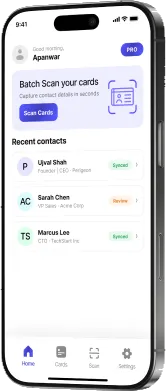
Create a Lead — or an Account together with its Contact — from a single card, in the record types you allow.
PeriScan for Salesforce
Scan business cards with AI and turn them into Salesforce Leads, Accounts and Contacts — no manual entry, for teams of any size.
15-day free trial with 50 AI card scans. Mobile app on Google Play and App Store.
Built by Perigeon
Getting started
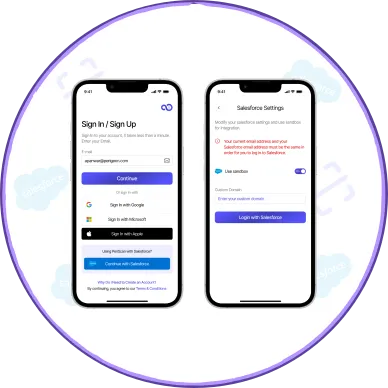
Your admin installs PeriScan from the AppExchange in your org. On your phone, sign in with Salesforce SSO.
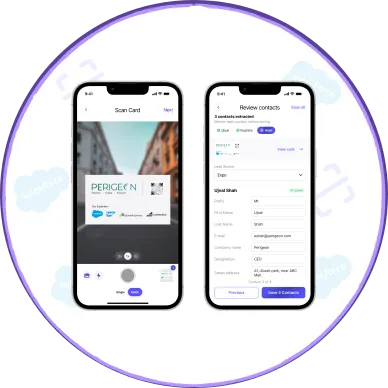
Scan the business card on your phone — one card or a whole stack.
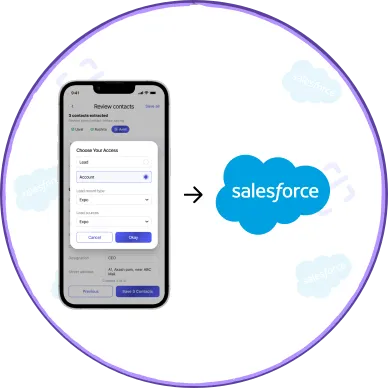
Select Lead, Account or Contact and its record type, then submit. PeriScan checks your duplicate rules and creates the record in Salesforce.
Why PeriScan for Salesforce
Create a Lead — or an Account together with its Contact — from a single card, in the record types you allow.
Scan at the booth or meeting and push to Salesforce when you’re ready — no need to stop and fill in records on the spot.
Every scan is checked against your duplicate rules before anything is created in Salesforce.
Per-user object and record-type access, plus standard and custom field mapping for each object.
Comparing scanners? Ask for our competitor feature comparison.
Admin controls
Admins stay in control with powerful tools to manage data quality, users and access.
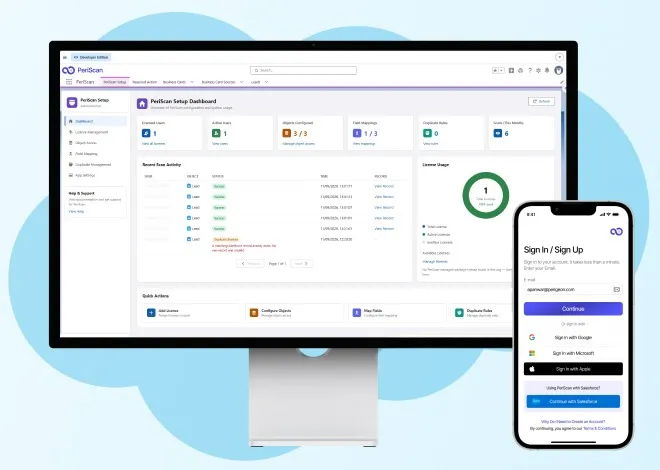
A unified admin dashboard giving you real-time visibility into licenses, object configuration, field mappings, duplicate rules, and scan activity — everything you need to manage PeriScan, in one view.
See how many licenses are assigned and active, which objects are configured, whether field mappings and duplicate rules are set up, and how much your team scanned this month — the moment you land on the page.
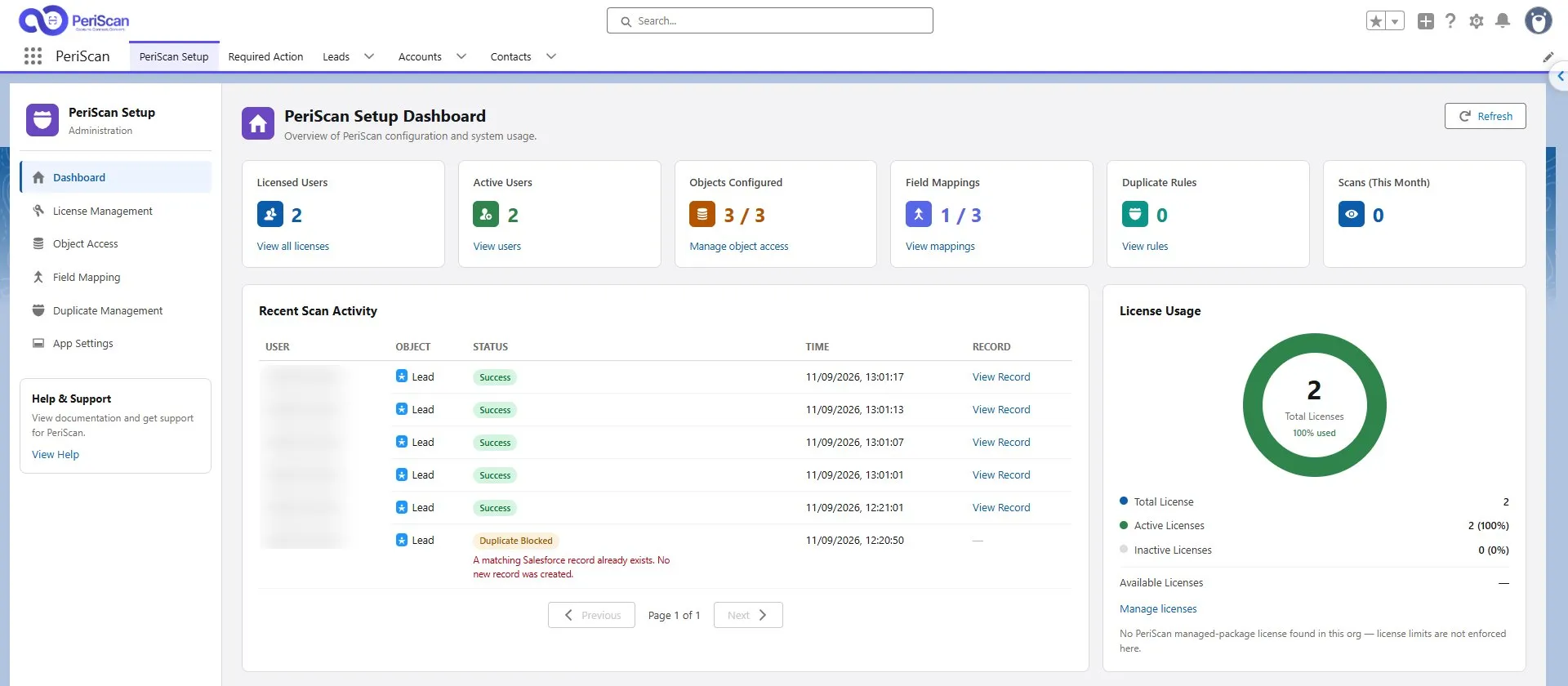
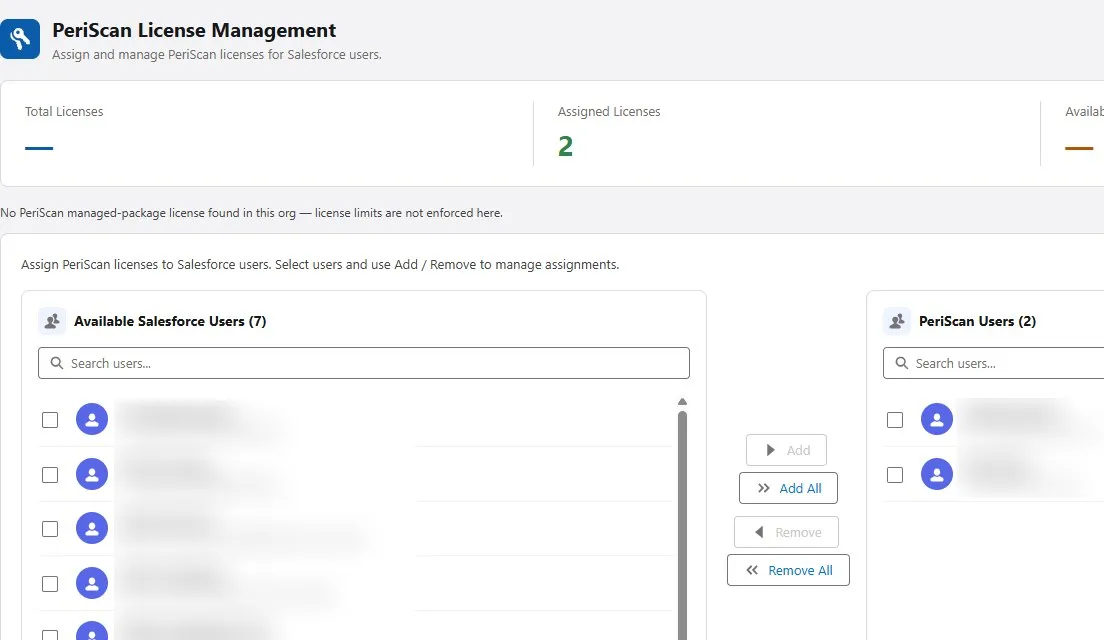
Assign and remove PeriScan licenses across your Salesforce users and securely pair each user’s mobile device — with total, assigned and available counts updating live.
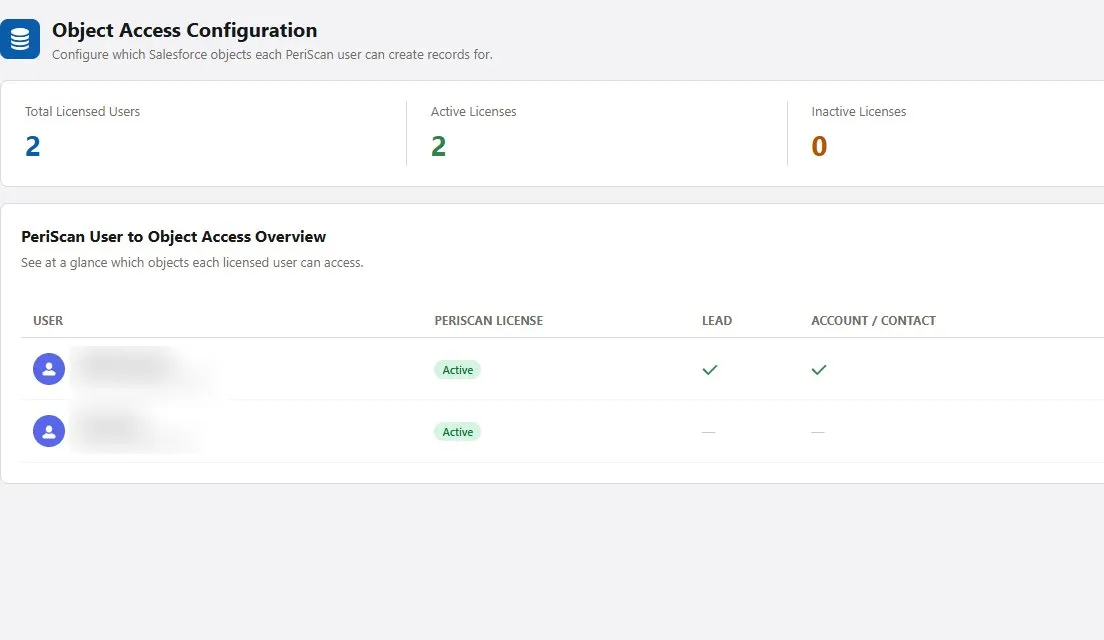
Decide per user whether they can create Leads, Accounts or Contacts, and which record types — so nobody creates the wrong kind of record by accident.
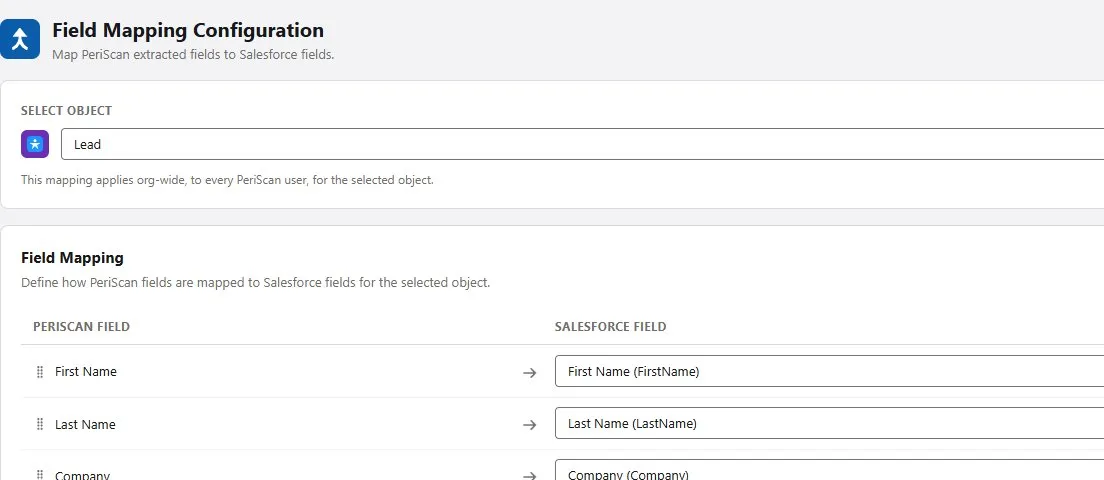
Choose which standard or custom Salesforce field each piece of card data fills, per object — validated automatically so your data always lands correctly.
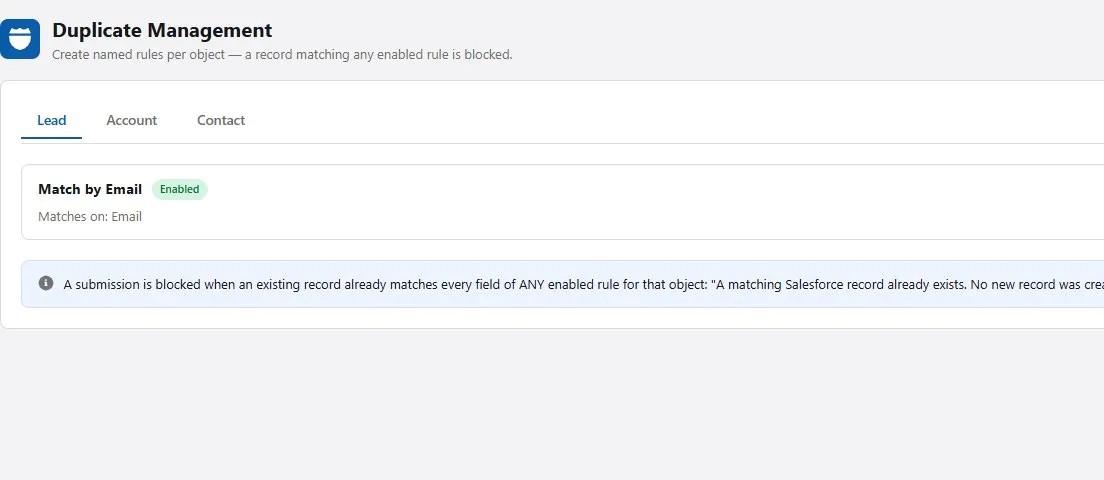
Define which fields count as a match — email, phone, company or any combination — per object, so a card already in your CRM never creates a second record.
Built by Perigeon
PeriScan is built and supported by Perigeon Software, a Salesforce Ridge (Silver) Consulting Partner with teams in the USA and India. Installing PeriScan means being backed by people who design and run Salesforce orgs every day.
Who it’s for
Skip manual contact entry after meetings and events. PeriScan sends every lead to Salesforce before you leave.
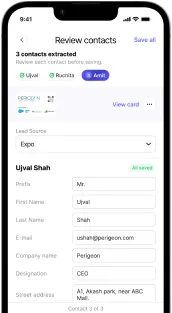
Grow and organize your network. Track every connection’s source and prioritize outreach.
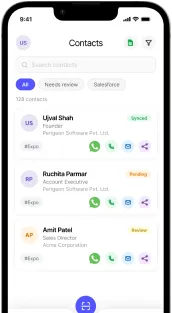
Scan hundreds of business cards in minutes. Tag leads by booth, session, or interest for smarter follow-up.
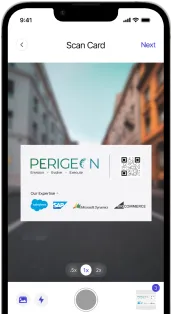
Every connection is an opportunity. PeriScan keeps your CRM clean and never loses contacts.
Pricing
$8 /mo per user
$10 /mo per user
Start a 15-day free trial with 50 AI card scans. Book a demo, or for non-profits, please connect with us.
Reviews
“One of the best features is its integration with Salesforce, which allows users to directly push scanned contacts as Leads in Salesforce. This is extremely helpful during campaigns, conferences, and business events… The app saves a lot of manual effort.”
“Great app for scanning business cards and instantly storing contact details. The Salesforce integration makes lead creation and lead management very simple and efficient.”
Scan any business card and deliver structured contacts directly into Salesforce.
15-day free trial with 50 AI card scans.
FAQ
PeriScan is a smart business card scanner app available on iOS and Android. It uses advanced OCR (Optical Character Recognition) technology to instantly capture contact details from any business card — including name, phone number, email, job title, and company. Scanned contacts can be synced straight to Salesforce, exported to Microsoft Excel, or saved to your phone's address book, eliminating manual data entry completely.
Your Salesforce admin installs the PeriScan app from the AppExchange in your org. Then, on your phone, sign in to PeriScan with Salesforce SSO, scan the business card, select Lead, Account or Contact and its record type, and submit. The record is created in Salesforce, and PeriScan checks your duplicate rules first.
Users tap “Continue with Salesforce” on the sign-in screen and log in with their Salesforce credentials (or a custom domain / sandbox). Once their admin has assigned a PeriScan license, scans can be pushed straight into the org.
PeriScan can create Leads, Accounts and Contacts — and a single scan can create more than one record, such as an Account with its Contact. Admins decide per user which objects and record types each person may create, so scanned cards always land as the right kind of record.
Yes. Install PeriScan from the Salesforce AppExchange to start a 15-day free trial with 50 AI card scans, so you can try the full scan-to-Salesforce workflow. You can also book a demo with our team.
Admins define duplicate-detection rules per object — matching on email, phone, company, name or any combination. PeriScan checks every scan against those rules before it syncs, and can block, warn or allow creation depending on how the rule is configured.
Yes. Field Mapping lets you choose which standard or custom Salesforce field each piece of card data populates, per object, and validates the mapping so required fields are always filled.
Teams of 5 or more get discounted first-year pricing on the Salesforce edition. For non-profits, please connect with us through the contact page and tell us about your organization.